

 0:42
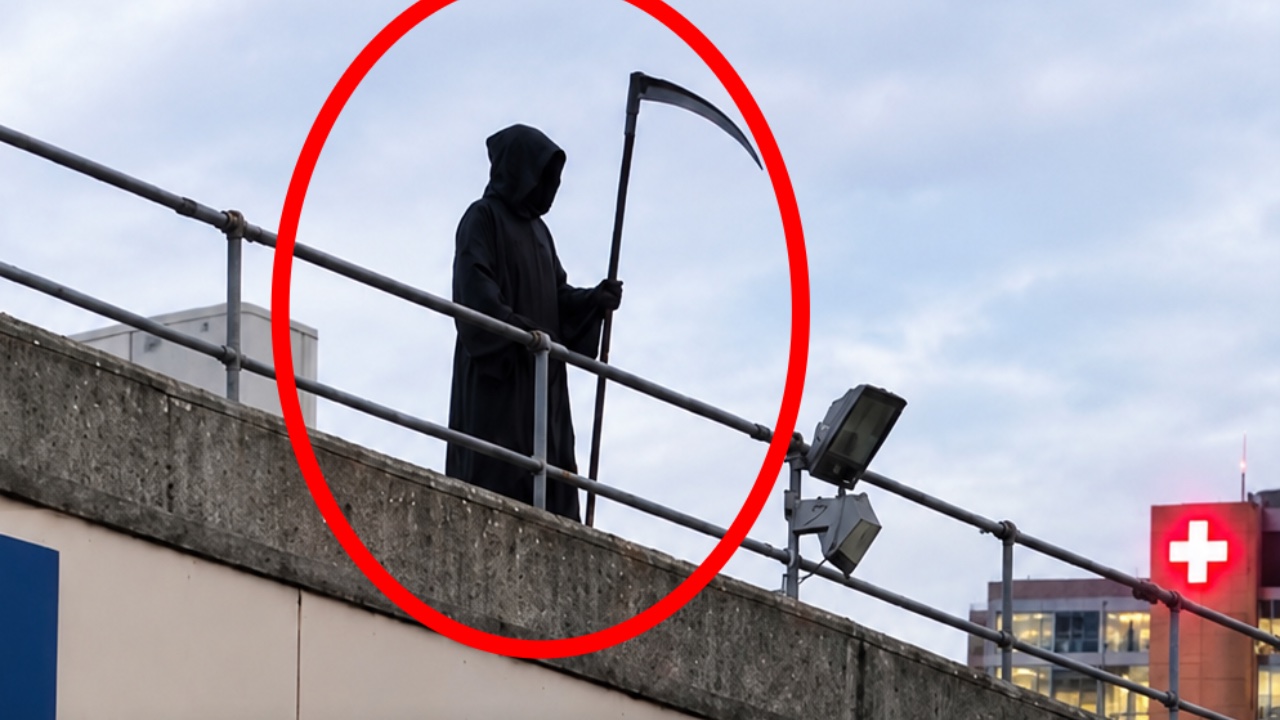
0:42Man Dressed as Grim Reaper Arrested At Hospital
@news · YouTube · 8d ago

Choose the exact moment in a video. Replay it, study it, or share it with anyone.
Make a loopCompare momentsMake a Cut
Free to use. No account needed to make and share a Playback.
Power tip: Replace youtube.com with playback.tv in any YouTube link to replay or loop it here.
Drag the red handles to choose your moment.
4:34.810.6s4:45.4
TakeLegendary come back!
One video, or many. Built for sports, podcasts, learning, and anything worth watching again.
Choose how to play back the moments that matter.
A finished Playback: the exact moment, how to watch it, and what to notice.
Playback Cuts
Pick the exact moments you want from one or more videos, put them in any order, and share one link that plays only those parts.
Avengers: Doomsday | The Worlds Are Colliding (fan Cut) · 10 moments from 5 videos · @epic
Avengers: Doomsday, official trailer
Avengers: Doomsday, official trailerVideo 1 of 5
Space plays and pauses. N and B (or a page-turner pedal) move between moments, number keys jump to one, O loops the current moment, F is full screen.
Pick moments from different videos. Put them in order. Share one link.
Create a CutFree · No account needed
Lined up on the same instant. Press play, step frame by frame, or flip between them.
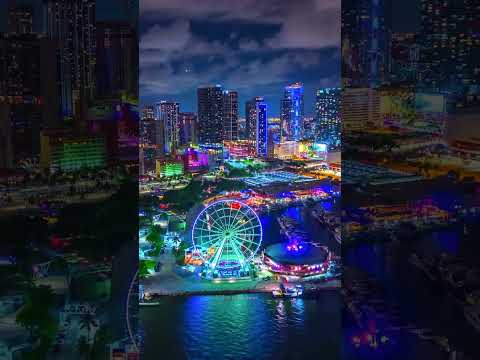
New York Vs. Miami Vibes · @epic · The best of both New York City and Miami Florida.

Pick your reason. Each has its own page, its own tools and a real video to try.
 Sports analysisBreak down any play from a YouTube videoPick the moment, slow it down, and share what you noticed.Analyze a play
  Language learningLearn from any YouTube videoHear it, slow it down, and repeat until it clicks.Practice a language
  Music practiceLearn songs from any YouTube videoSlow it down. Loop the hard parts. Practice until it clicks.Practice a song
 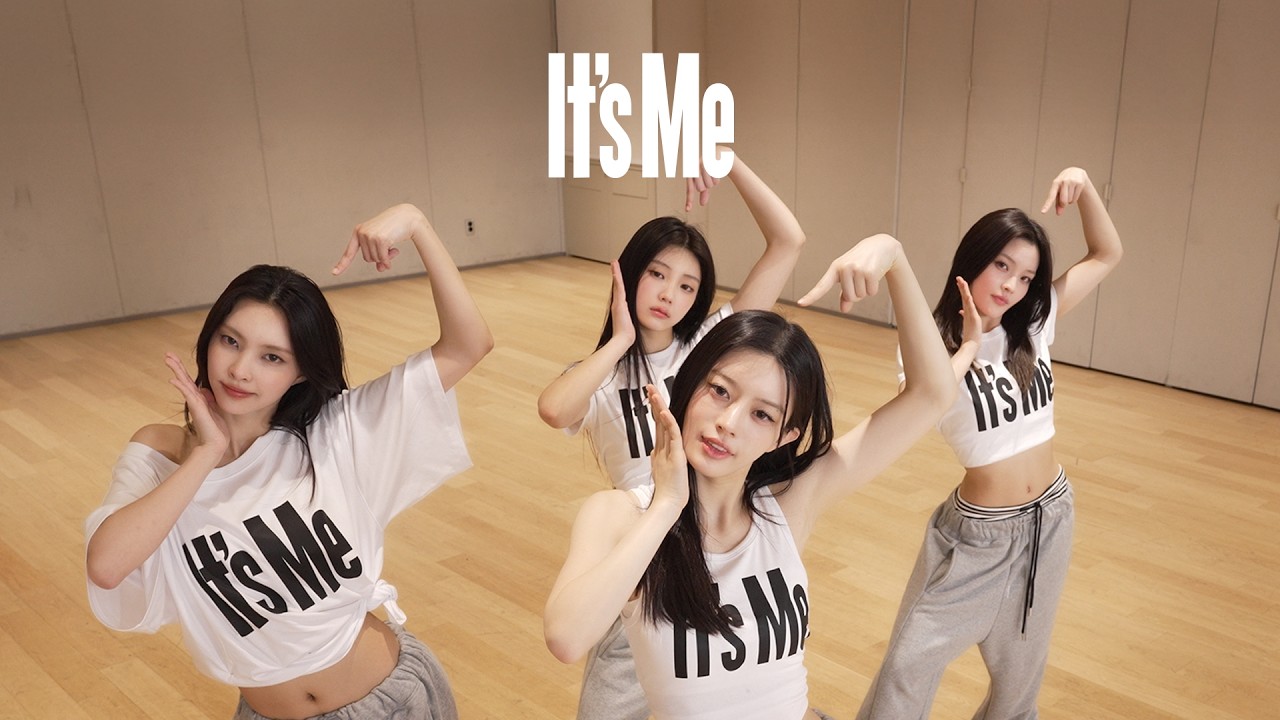 Dance & choreographyLearn choreography from any YouTube videoSlow it down. Loop the moves. Practice until it clicks.Practice choreography
 Also for studying, scene study, video editors and podcasts.
 0:04
0:04@alok · YouTube · 4d ago
More than a timestamp. The moment arrives with the tools to actually see it.
Pick the precise start and end. Add your take and share a link that opens right there.
Share an exact moment with your takeLoop difficult passages, slow things down, and repeat until you've got it.
Loop part of a YouTube videoPlay moments side by side, sync them, and spot the differences.
Compare up to four videos side by sideCombine up to 12 moments from different videos into one ordered Cut.
Combine moments from several videosGuides: Share a YouTube video with a start and end timeWhat to use now YouTube Clips is gone
Nothing is downloaded, copied or re-uploaded. Every moment plays from its platform’s own player (YouTube, TikTok or Vimeo), so the view still counts for whoever made the video.
A YouTube link can start where you choose but never stop where you choose. Clips could hold both points, and YouTube retired them on 17 April 2026, so nothing native sends a moment any more. That is where Playback comes in: one link carries the start, the end, the speed and your take, it loops, it steps frame by frame, it mirrors for practice, and comments inside it pin to the exact frame they are about.
No. Paste a link, mark the moment and publish; you get a guest name on the spot. Sign in with Google later to claim a free @handle and everything you made moves to it, same links. An account is only required for likes and for a public profile.
Never. The video plays in its platform's own official embedded player (YouTube, TikTok or Vimeo), under their terms, with their own ads, and nothing is ever taken out of it. A Playback stores the video's ID, two timestamps, a speed and your words. If the video is taken down, it stops playing here.
A set of drill tools on every Playback: a number of passes, a silent gap after each pass to try it yourself, a count-in before each repeat, a speed that steps up as you improve, loops measured in bars for musicians, and a mirrored picture for dancers. The whole drill fits in the link, so a teacher can send the exact exercise.
Any YouTube video that allows embedding, which is most of them: regular videos, Shorts, live streams after they end, and YouTube clips. TikTok and public Vimeo videos work too, everywhere except the looper, and at normal speed: TikTok's player has no speed control, and on Vimeo speed depends on the uploader's plan. So do podcast episodes, from an Apple Podcasts link or the show's feed, played from the publisher's own host. You can also change youtube.com to playback.tv in a video's link to replay or loop it here.


